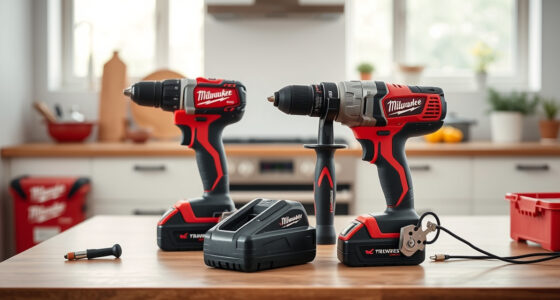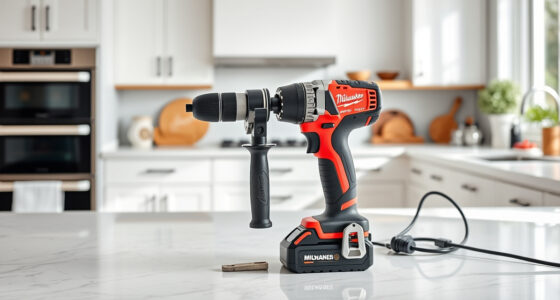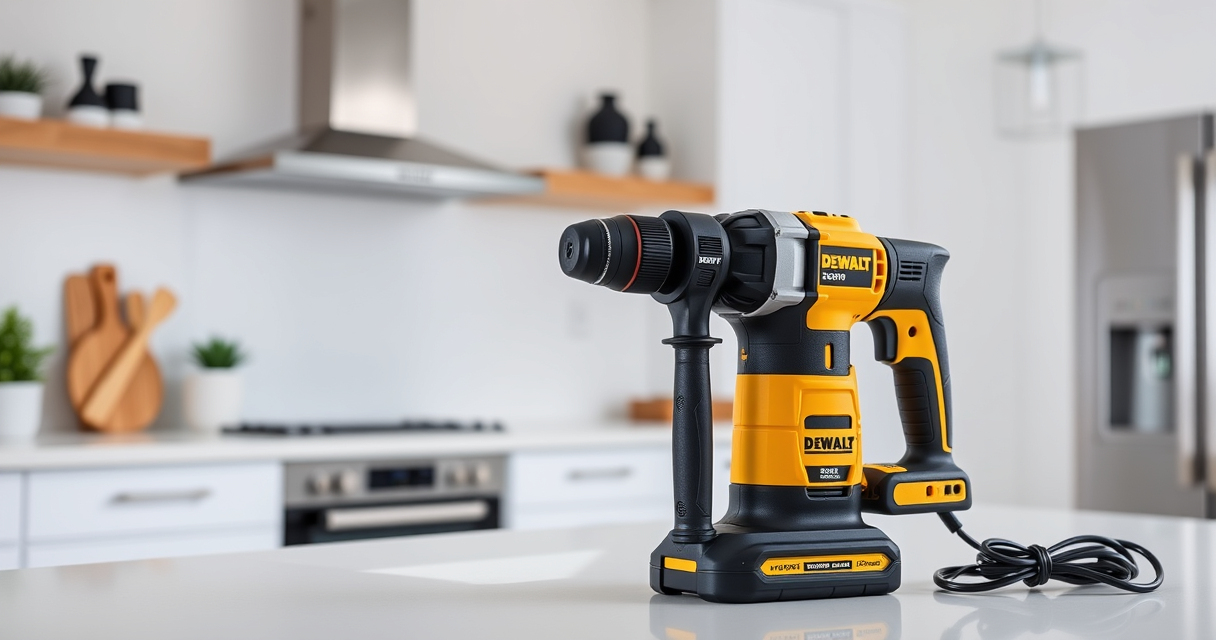

Setting up your new DEWALT 20V MAX Cordless Drill Driver is essential for safe and efficient use. Proper initial setup ensures the tool performs at its best and helps prevent accidents. Follow this practical, step-by-step guide to get started with confidence.

Get business pricing on garage and car supplies
- Business-only prices and quantity discounts
- Tax-exempt purchasing
- Multiple users, one account, clear invoices
We’ll cover everything from preparing the battery to attaching accessories, with helpful tips along the way.
Key Takeaways
| Power Source | Ensure batteries are fully charged before use. |
| Proper Attachment | Securely attach drill bits and accessories. |
| Safety First | Always wear safety gear and check the tool before operation. |
| Testing | Test the drill in a safe, controlled environment. |
Step 1: Prepare the Battery
- Remove the DEWALT 20V MAX battery from its packaging.
- Press the battery’s release button and slide it into the drill’s battery slot until it clicks securely into place.
- Charge the battery fully using the DEWALT charger before initial use for optimal runtime.
Step 2: Attach the Drill Bit
- Select the appropriate drill bit for your task, such as a wood or metal bit from the DEWALT Drill Bit Set.
- Loosen the single-sleeve ratcheting chuck by rotating it counterclockwise.
- Insert the shank of the drill bit fully into the chuck, then tighten by rotating the chuck clockwise until secure.
Step 3: Adjust Settings
- Set the 2-speed transmission to the desired mode: low speed for heavy-duty tasks or high speed for lighter work.
- Activate the LED light if additional illumination is needed in dim areas.
Step 4: Test the Setup
Press the trigger lightly to test the drill. Confirm that the drill runs smoothly and the LED light activates. Check that the bit remains securely attached during operation.
Always test the tool in a safe environment before starting your actual project.
Safety Tips and Warnings
- Wear safety glasses and gloves when operating the drill.
- Ensure the work surface is stable and secure.
- Do not force the drill; let the tool do the work to avoid damaging the bit or the tool.
- Always disconnect the battery when changing bits or not in use.
The Products in This Guide

DEWALT 20V MAX Cordless Drill Driver Set
- ✔ Warranty: 3 years
- ✔ Speed: 2 speeds
- ✔ Trigger: Variable speed control

DEWALT Drill Bit Set
- ✔ Size Markings: On shank
- ✔ Durability: High
- ✔ Web Design: Tapered
DEWALT 20V MAX Cordless Drill Driver Set
The DEWALT 20V MAX Cordless Drill Driver Set offers a powerful brushless motor, lightweight design, and ergonomic grip for comfortable use in tight spaces. Its LED light enhances visibility, making it ideal for various applications.
Pros:
- Powerful brushless motor
- Lightweight and compact
- LED work light
- Two-speed transmission
Cons:
- Battery life may vary
- Limited to 2.0 Ah battery included
- No belt clip included
Best for: Home improvement, woodworking, fastening projects
Not ideal for: Heavy-duty industrial use
Bottom line: A reliable, lightweight drill perfect for a wide range of household and professional tasks.
DEWALT Drill Bit Set
The DEWALT Drill Bit Set complements your cordless drill perfectly, offering a durable, rust-resistant set for various materials including plastic, wood, and metal.
Pros:
- High-quality High Speed Steel
- 135° split point tip
- Corrosion-resistant coating
- Easy size identification
Cons:
- Bulkier storage case
- Requires careful handling of sharp bits
- Limited to specific bit sizes
Best for: General-purpose drilling, home repairs, DIY projects
Not ideal for: Heavy industrial drilling
Bottom line: A reliable drill bit set that enhances your drilling versatility and precision.
Frequently Asked Questions
How do I change the drill bit on my DEWALT drill?
Loosen the ratcheting chuck by rotating it counterclockwise, insert the new bit fully into the chuck, then tighten the chuck clockwise until secure.
Can I use third-party batteries with my DEWALT drill?
It is recommended to use DEWALT batteries designed for the 20V MAX system to ensure compatibility, safety, and optimal performance.
How do I know when my battery needs to be charged?
Use the LED fuel gauge on the battery to check the charge level; if the indicator shows low, recharge the battery before starting heavy tasks.
What safety precautions should I follow when using the drill?
Always wear safety glasses, keep hair and clothing away from moving parts, and ensure the workpiece is secured before drilling.
Getting Your DEWALT Drill Ready for Action
Following these setup steps ensures your DEWALT 20V MAX Cordless Drill Driver is ready for safe and efficient use. Proper preparation, including charging batteries, attaching the right bits, and adjusting settings, will help you tackle your projects with confidence. Remember to always prioritize safety and perform test runs in controlled environments for the best results.
Affiliate disclosure: As an Amazon Associate we earn from qualifying purchases. Prices and availability are accurate as of the time of publishing.
Halloween Picks
halloween
As an affiliate, we earn on qualifying purchases.