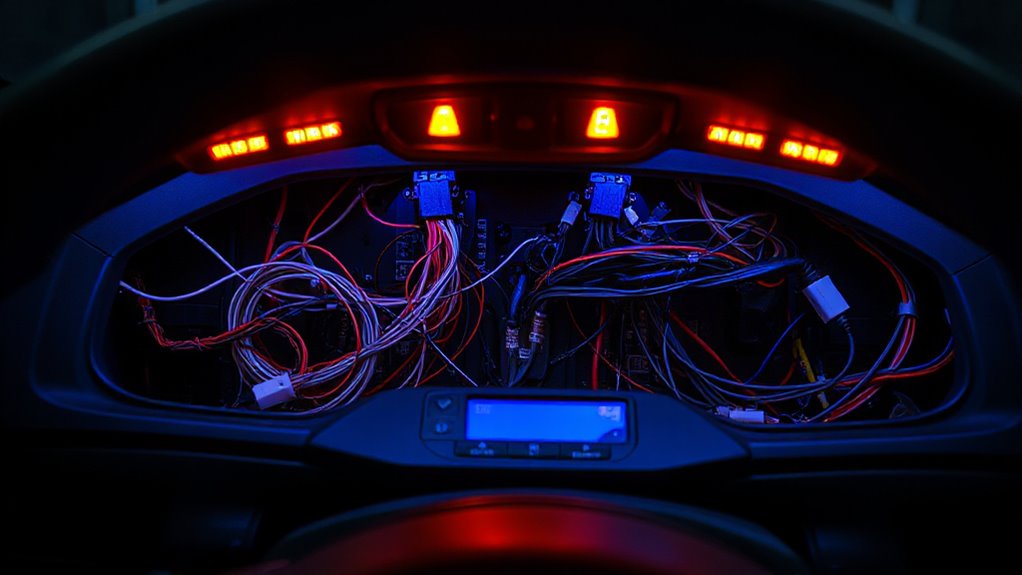

Start by checking your vehicle’s fuse and relay related to the horn and accessories, replacing any blown components. Then, verify power and grounding connections using a multimeter to guarantee proper voltage. Inspect wiring for damage, corrosion, or loose terminals, and confirm that accessories are compatible and properly installed. If these steps don’t find the issue, consider interference or firmware updates. Continue exploring these troubleshooting methods to identify and fix the electrical failure efficiently.
Key Takeaways
- Verify power supply, grounding, and wiring connections to ensure accessories receive proper voltage and are properly grounded.
- Use multimeters to check for continuity and voltage at accessory terminals, identifying wiring or connection issues.
- Confirm accessory compatibility with the vehicle system, including recent updates or recalls, to prevent incompatibility problems.
- Reset or re-pair wireless accessories, and update firmware/software to resolve signal or communication failures.
- Test with known working units and document findings to systematically isolate and address the source of accessory failures.
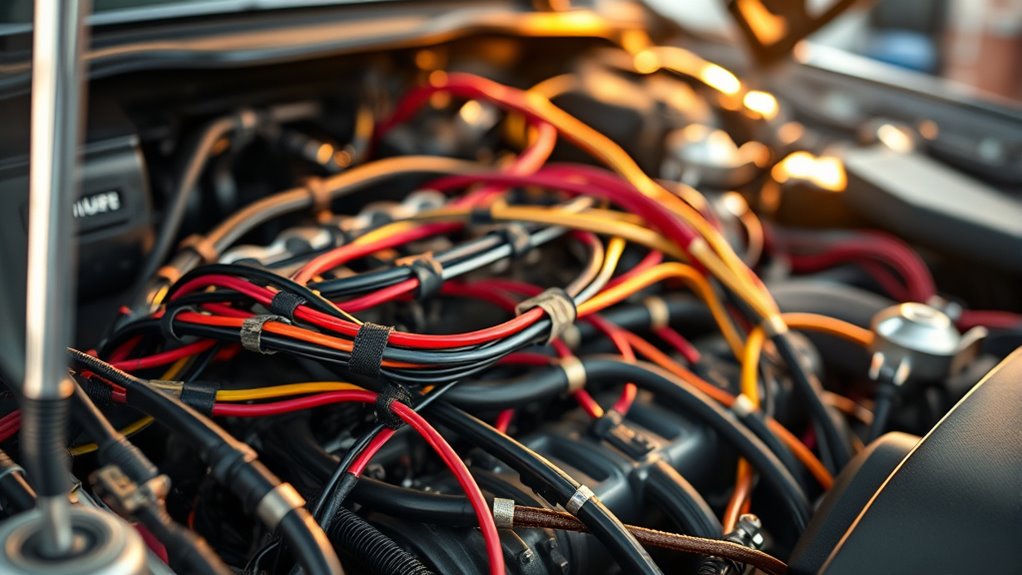
When an electrical accessory stops working unexpectedly, tracking down the failure can seem intimidating. You might feel overwhelmed, especially if it’s a vital component like your horn or other accessories. The first step is to systematically narrow down the issue, starting with a good understanding of wireless troubleshooting and accessory compatibility. These factors are often the root cause of malfunction, especially in modern setups that rely on wireless connections or have multiple parts working together.
Wireless troubleshooting is an essential aspect when accessories suddenly stop functioning. Many newer accessories, like remote-controlled horns or Bluetooth-enabled devices, depend on wireless signals. If a wireless connection drops or becomes unstable, your accessory may cease to work altogether. To troubleshoot, check if the device is within range and ensure there are no obstructions disrupting the signal. Resetting the wireless connection, such as re-pairing Bluetooth devices or restarting the connected receiver, can often resolve the issue. Also, verify that your device’s firmware or software is up to date, as outdated versions can cause compatibility problems or connection failures. Keep an eye out for interference from other wireless devices that could be blocking or disrupting signals, and consider switching channels or frequencies if possible. Additionally, understanding the high refresh rates of certain projectors can help you troubleshoot display issues related to flickering or motion blur.
Accessory compatibility is another common hurdle. Over time, parts may become incompatible due to updates, modifications, or component wear. Before diving into complex diagnostics, confirm that your accessory is compatible with your vehicle’s system and other connected devices. Check the manufacturer’s specifications and any recent updates or recalls. Sometimes, an accessory designed for a different model or version can cause issues or simply refuse to operate. If you’ve recently installed a new accessory, double-check the compatibility list and installation instructions. Incompatible accessories might not only fail to work but could also cause electrical issues affecting other components. When troubleshooting, inspect wiring connections for corrosion, loose terminals, or damaged wires, as these can contribute to malfunction. Also, verify that the accessory is receiving proper power and ground connections, since inadequate power supply can prevent operation.
If wireless troubleshooting and accessory compatibility checks don’t resolve the problem, further steps include testing the accessory with a known working unit or replacing suspect components to identify faults. Use multimeters to check voltage and continuity, ensuring all connections are solid. Remember, systematic elimination is your best approach—start simple, then move to more detailed diagnostics. With patience and a clear understanding of wireless troubleshooting and accessory compatibility, you can pinpoint the cause of your electrical accessory failure and restore functionality efficiently.

Chemical Guys Signature Series Orange Degreaser Spray - Heavy Duty All Purpose Cleaner for Engines, Tires, Undercarriages, Tools and More, Professional Strength, Breaks Down Grease, Oil & Grime, 16 oz
Powerful Degreaser (CLD_201_16SW) - Signature Series Orange engine cleaner and degreaser spray quickly breaks down grease, oil, grime,...
As an affiliate, we earn on qualifying purchases.
Frequently Asked Questions
How Can I Prevent Future Electrical Accessory Failures?
To prevent future electrical accessory failures, you should regularly perform battery maintenance to guarantee your power source stays reliable. Additionally, conduct wiring inspections to spot wear, corrosion, or loose connections early. Keep terminals clean and tight, and replace damaged wires promptly. By maintaining your battery and inspecting wiring regularly, you reduce the risk of electrical issues, keeping your accessories functioning properly and avoiding unexpected failures.
What Tools Are Best for Diagnosing Accessory Issues?
Imagine you’re a detective, carefully tracing a faint trail of clues. Use a multimeter for testing voltage and continuity, helping you spot broken wires or faulty connections. Circuit tracing tools, like a wiring diagram or a test light, guide you through tangled wiring paths. These tools allow you to pinpoint electrical accessory issues quickly, making your diagnosis precise and efficient, so you can restore your vehicle’s functions with confidence.
Are Certain Accessories More Prone to Failure?
Some accessories are more prone to failure due to lower accessory durability and wiring quality. You’ll find that items like aftermarket horns, lights, and stereo systems often have weaker wiring connections or inferior components, making them more susceptible to issues. To prevent failures, always choose high-quality accessories and make certain proper wiring installation. Regularly inspecting connections and wiring can also help you catch potential problems early and keep your accessories functioning reliably.
Can Environmental Factors Cause Electrical Accessory Problems?
Like they say, “A little water can cause big problems.” Environmental factors definitely cause electrical accessory issues. Corrosion issues often stem from moisture exposure, which can short circuits and weaken connections. You should regularly inspect your vehicle, especially in humid or wet conditions. Keep connectors dry and apply protective coatings if needed. Staying proactive helps prevent moisture from causing costly electrical failures down the line.
When Should I Replace Rather Than Repair an Accessory?
You should replace an accessory when its lifespan has markedly diminished, and repairs no longer restore proper function or become too costly. If an accessory has frequent failures or shows signs of wear that can’t be fixed efficiently, it’s better to repair versus replace. However, when repairs surpass half the cost of a new unit or the accessory is outdated, replacing it ensures reliability and saves you time and money in the long run.

Griot's Garage Engine Cleaner for Car, Motorcycle, Boat, RV, and Truck, Oil, Dirt, and Grime Remover, 11158, One Gallon
POWERFUL CAR ENGINE CLEANER: Breaks down tough oil, grease, and grime fast for a cleaner engine bay
As an affiliate, we earn on qualifying purchases.
Conclusion
So, next time your horn or accessories fail, picture a detective unraveling a tangled web—each wire a clue, each connection a step closer to the truth. By methodically tracking down faults and understanding their roots, you turn chaos into clarity. Remember, electrical issues are like shadows—easily overlooked until you shine a light on them. With patience and precision, you can restore your vehicle’s accessories, turning a frustrating mystery into a well-lit victory.

JEGS 5-Gallon Portable Parts Washer | 3.5 Gallon Solvent Capacity | 3.96 Gallon Per Minute Max Pump Output | Heavy Duty Steel | Powder Coated Black with JEGS Logo
VITAL TOOL for cleaning and degreasing parts
As an affiliate, we earn on qualifying purchases.

Westinghouse Universal 16" Pressure Washer Undercarriage Cleaner and Water Broom Attachment - 4400 PSI, 1/4" Connector - for Gas and Electric Pressure Washers
Dual function undercarriage cleaner and water broom; The undercarriage cleaner removes dirt, oil, salt, fuel and more from...
As an affiliate, we earn on qualifying purchases.